Getting Paid as a Helper with HomeWork Solutions
A step-by-step guide to setting up your direct deposit with HomeWork Solutions as a Helper on Herewith

As a care platform, Herewith connects you with private clients. Unlike traditional agencies, who act as the middle man and are responsible for your paycheck and insurance coverage, on Herewith your clients are your employers, and pay you through the Herewith app.
In this guide we'll go over frequently asked questions about payment, especially for those whose clients have chosen to hire you as a W-2 employee through our partner, HomeWork Solutions.
How often do Helpers get paid on Herewith?
If you get hired for part-time or full time care, payroll runs automatically on a weekly basis.
- Your work week runs from Saturday 12:00 AM PST to Friday 11:59 PM PST
- Track your hours throughout the week under the Bookings tab:
- View hours worked and submit corrections if needed
- All undisputed and corrected hours will be automatically submitted for payment on Mondays at 9:00 AM PST
Your payment will be available in your account the following Friday. If you have issues with your payroll, reach out to your client first, and then contact support@herewith.com if you're unable to resolve the situation.
How Helpers get paid on Herewith
On Herewith most Helpers are booked and paid through direct deposit, managed by Stripe. As part of your first booking, you'll set up your payment preferences.
However, some clients may opt to utilize a payroll partner for their hiring. This is a service that helps them manage taxes and gives them the option to add on workers' compensation coverage.
Guide to HomeWork Solutions payment for part-time and full-time Helpers
If you get hired for a part-time or full time Helper job on Herewith, your client has a choice in how to pay you.
They can opt to use a payroll service, HomeWork Solutions, or they can pay you via Stripe. You can manage your payment preferences for Stripe on your Helper app.
How do I know if my client uses HomeWork Solutions?
After you accept a job offer, we’ll automatically check to see if your client has chosen to use HomeWork Solutions. If they did, you’ll get a pop-up asking you to fill out some information about your employment and where you’d like your paychecks deposited.
How to get started with HomeWork Solutions
When you get hired, you’ll follow prompts to add a bank account for your direct deposit. Your direct deposit checks will be from HomeWork Solutions, on behalf of your employer.
Setting up direct deposit with HomeWork Solutions
You’ll get a pop-up message asking you to finalize your payment preferences and employment info. It shouldn’t take more than a few minutes.
- First you’ll see a summary of your hiring details. Tap Next
- Type in your name, contact info, Social Security number, and address. Please note that Herewith does not save your SSN. It is securely sent to HomeWork Solutions for processing your employment.
- Next you’ll add your tax filing info. Tap Next
- Last, choose where your paychecks will be deposited: Add your bank name, routing number, account number, and account type. Tap Next
- Finally, review your info and tap Submit
More resources on getting paid as a caregiver
Still need help?
Call our Support team for further assistance.
Mon-Sat, 9AM-6:30PM PT
Related Articles

Everything you need to know about getting paid for tasks and jobs as a senior care Helper on Herewith
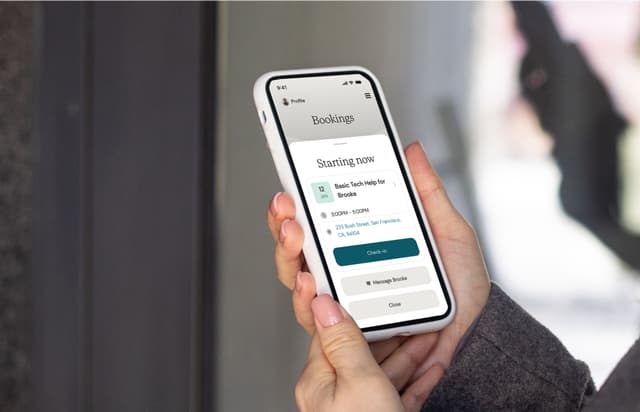
Your guide to logging your hours on the Helper app so that you can get paid for senior care jobs
Here’s how to download the Helper mobile app for easy job-searching on the go


